How Hoop Size Actually Changes What You Can Stitch as a Beginner
Not sure which hoop to buy first? See what 4x4, 5x7 and 6x10 hoops actually stitch, and avoid the mistakes that ruin beginner projects.
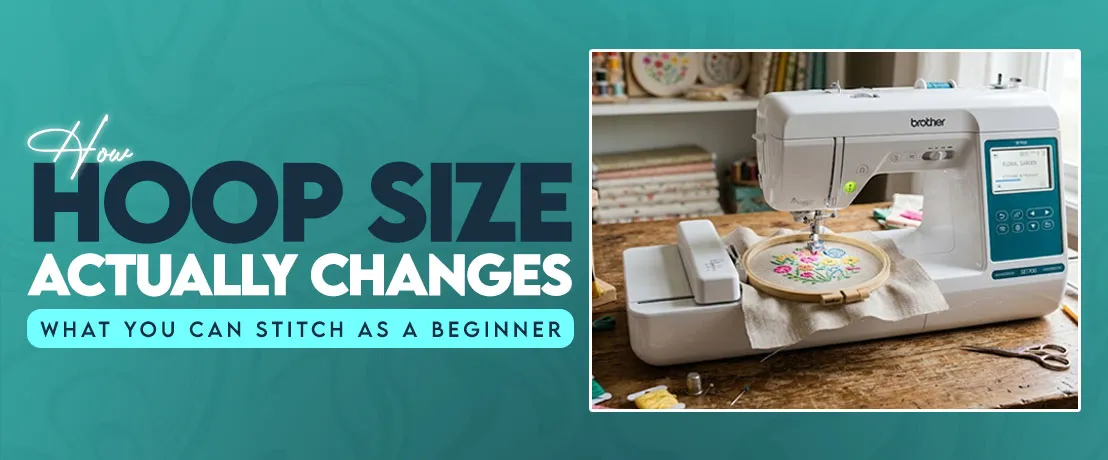
A friend of mine once sent me a photo of a damaged tote bag. She wanted a big flower design on the front side but her hoop was small, so the design stopped halfway and the petals landed off center. Her skills were fine. The hoop decided the result before she pressed start.
If you are planning to buy the best embroidery machine for beginners, the hoop deserves as much thought as the brand name or the price. Even Brother’s beginner lineup splits into small hoop and medium hoop models, and that one number sets the limit on everything you stitch. So let’s break down what each size really does, and you can buy once and buy right.
What Hoop Size Really Controls in Machine Embroidery?
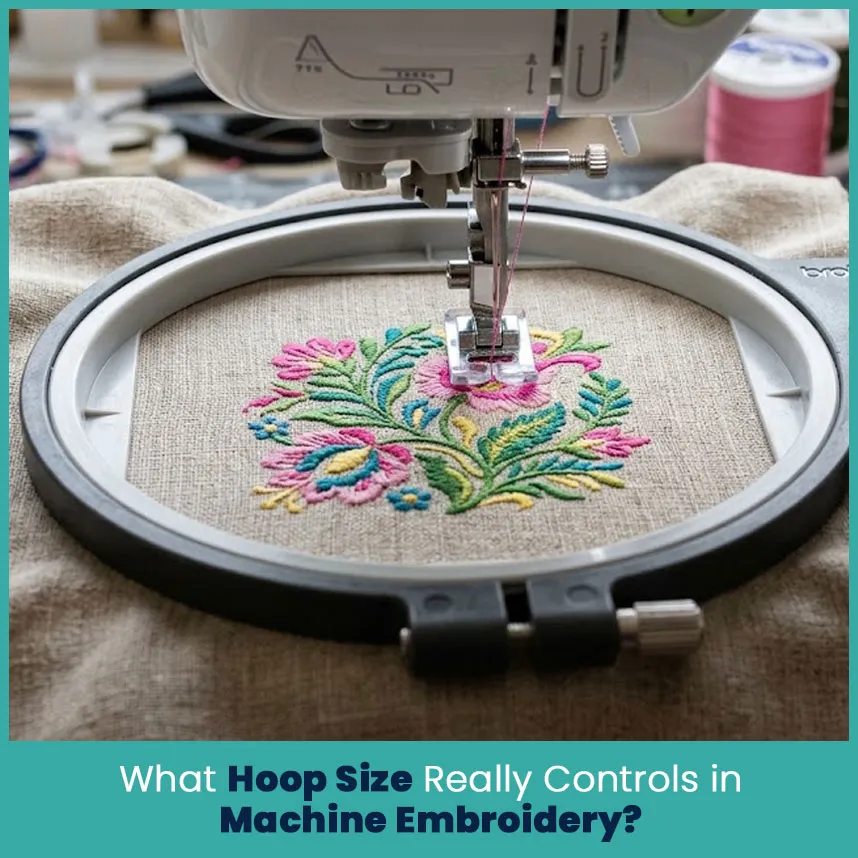
Basically, the hoop controls two things: how big your design gets, and how steady your fabric stays while the needle punches through it. Everything else, from thread choice to stitch count, sits on top of those two.
Hoop Size vs Actual Stitching Area
Here is the part that trips up almost every new owner. The size on the box is the frame, not the space where the needle can stitch. The real stitching area sits a little inside the frame, because the presser foot needs room to move.
Brother lists the SE1900 at 5 x 7 inches, which is 127 x 178 mm. The smaller 4 x 4 machines, like the SE600, give you about 100 x 100 mm, so roughly 3.9 inches each way. That missing tenth of an inch matters when a design measures exactly 4 inches wide. I learned that early, when a 4 inch logo bumped the frame edge on my first 4 x 4 hoop.
When you read a spec sheet, look for these two numbers:
Hoop size: the frame you hold in your hand.
Maximum embroidery area: the space your machine actually stitches inside that frame.
Always plan your design around the second number.
Why Your Design Size Must Match Your Hoop
Every embroidery file carries its own size. A DST or PES file tells the machine exactly where each stitch lands, so the machine checks that size against the hoop you loaded. If the design is bigger, the screen warns you and refuses to start. That is the machine protecting your fabric and the frame.
Some beginners fix this by resizing the design in the machine menu. Small changes work fine. I keep resizing within about 10 to 15%, because stitch density changes along with size, and a design reduced much further turns thick and stiff. A bigger jump belongs to a digitizer, who recreates the stitches for the new size instead of squeezing the old ones.
Here is what happens when size and hoop do not match:
Design too big: the machine stops, or you split the design into parts and rehoop.
Design too small for the hoop: the fabric flags, which means it bounces up and down with the needle.
Right match: the design sits with about half an inch of space on every side.
Common Hoop Sizes and What You Can Stitch in Each
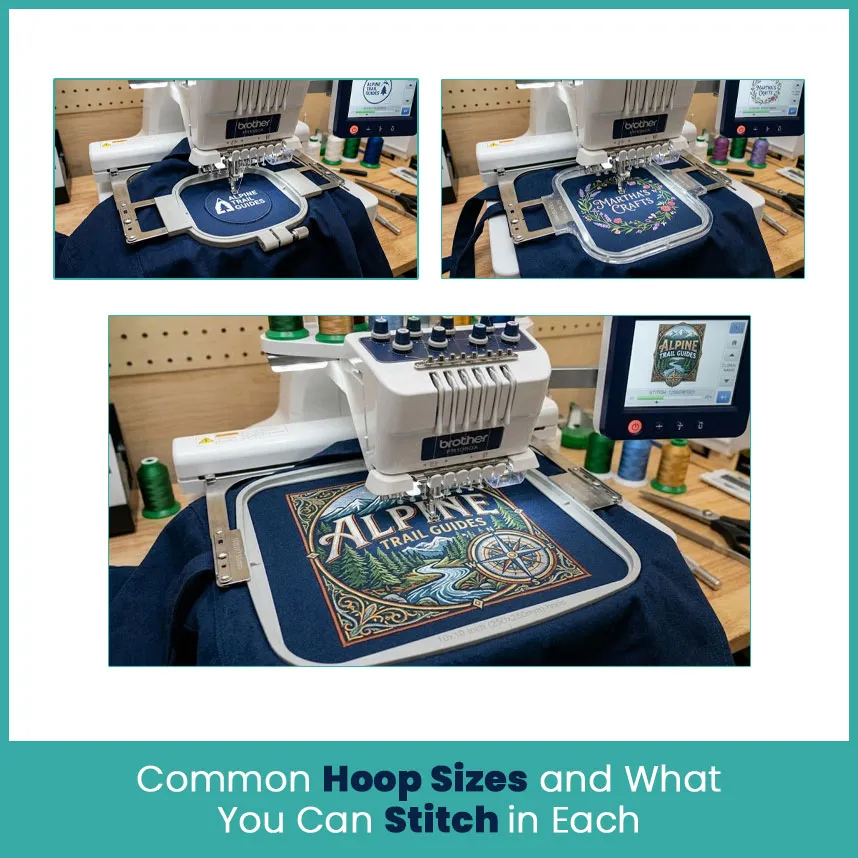
Most home machines come with one hoop, so the first size you get shapes your first year. Here is what each one does in real projects.
4x4 Inch Hoop: Logos, Small Names and Patches
A 4 x 4 hoop handles small, tidy work very well. A cheap embroidery machine for beginners nearly always comes with this size, and the Brother PE545, SE600 and SE700 all use it. That is plenty for a left chest logo, a monogram, or a name on a baby bib.
Good picks for this size:
Left chest logos about 3 to 3.5 inches wide.
Single initials and short names.
Small patches and appliqué shapes.
Pocket designs and sleeve marks.
Gift tags and coaster designs.
A full name in a bold font uses up the space fast, and anything wider than about 3.9 inches needs a second hooping. If your goal is simple logos and monograms, this hoop does the job and keeps your costs low.
5x7 Inch Hoop: The Most Flexible Size for Beginners
If I had to pick one size for a new stitcher, it is 5 x 7. The Brother SE1900 and PE800 both stitch a 5 x 7 inch area, and that size fits most designs people buy online without constant rehooping.
If you want a brother embroidery machine for beginners that keeps up with you after the first six months, a 5 x 7 model is the safest choice. You will outgrow a 4 x 4 hoop faster than you expect.
What fits well here:
Full names and short phrases on tote bags and towels.
Pillowcase corners and kitchen towel designs.
Large pocket and back-of-collar designs.
Quilt labels and 5 x 7 inch quilt blocks.
Baby blankets with a centered motif.
Extra hoops are available for these machines too, including 1 x 2.5 inch and 4 x 4 inch frames, so one machine covers both small and medium jobs. The 4 x 4 frame is the one I grab when a small logo needs steady hooping.
6x10 Inch and Larger Hoops: Jacket Backs, Quilt Blocks and Big Designs
A 6 x 10 hoop opens the door to bigger work, but it needs a bigger machine. New models don’t take it. Larger machines, like the Brother Stellaire XE2, list fields of about 9.5 x 14 inches, and their hoops and brackets differ from the small machines.
Projects that need this much space:
Jacket backs and hoodie backs, which usually need 9 to 11 inches of width.
Large quilt blocks.
Wall hangings and banners.
Table linens with big corner designs.
Here is the reality check. Even a 6 x 10 hoop falls short for most full jacket backs, and pros handle those on multi needle machines with large frames. Some 5 x 7 machines also take a long 5 x 12 hoop for border designs, but you have to realign carefully between positions. I use the alignment grid and a ruler every time, because a quarter inch of drift shows right away.
How Hoop Size Affects Stitch Quality
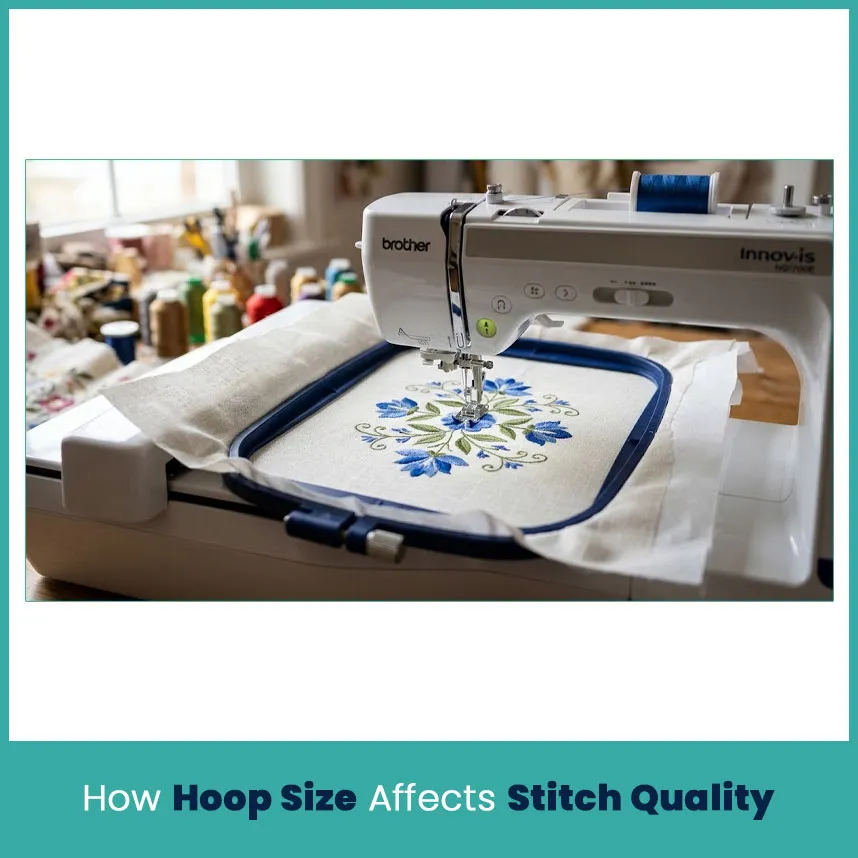
Size does more than set a limit on space. It changes how your stitches sit on the fabric.
Fabric Stability, Puckering and Registration Problems
Registration means every part of the design lines up, so outlines land exactly on the fills. Fabric that shifts by even a millimeter breaks registration, and you see it as white gaps between colors.
Bigger designs push this problem harder because the needle punches thousands of times across a wider area. Fabric in the middle of a large hoop has more room to creep, and puckering follows as the thread pulls the fabric inward.
What keeps the fabric steady:
Match the stabilizer to the fabric: cutaway for knits and tees, tearaway for stable woven cotton.
Hoop the fabric snug, not stretched because stretched knits spring back and pucker.
Start every project with a new needle, usually a 75/11 for light fabrics.
Straighten the fabric grain before you tighten the frame.
Slow the machine down on large or dense designs.
Why Oversized Hoops on Small Designs Cause Trouble
It seems smart to leave the biggest hoop on and stitch everything in it. I tried that once with a small name patch in a 5 x 7 hoop. I got wasted stabilizer, fabric bouncing at the needle, and thread loops on the back of the patch.
Here is why it happens. A small design in a big frame leaves a lot of loose fabric between the needle and the hoop edge. That loose fabric flags, so the thread loops and the outline shifts.
Better habits:
Pick the smallest hoop that fits the design with room around it.
Keep at least half an inch between the design and the frame edge.
Swap to the 4 x 4 hoop for small logos and names, since the swap takes less than a minute.
How to Pick Your First Hoop Size
Match the Hoop to the Projects You Actually Plan to Stitch
Start from the projects, not the machine. Write down the first five things you want to stitch, measure them, and compare.
Use this quick guide:
Logos, monograms, patches, baby bibs: a 4 x 4 hoop is enough.
Names, towels, totes, pillowcases, quilt blocks: a 5 x 7 hoop fits best.
Jacket backs, big wall art, large banners: you need a 6 x 10 or larger machine, or a digitizer who splits the design into parts.
Also think about where your designs come from. Custom designs from a digitizer arrive at set sizes, and a good one tells you the width and height before you pay. Ask for the file in your exact hoop size and you skip most of the trouble above.
Beginner Mistakes to Avoid
Two mistakes come up again and again in the questions I get from new stitchers.
Buying a Hoop Your Machine Cannot Handle
Hoops are not universal. Each one fits specific machine brackets. One seller states that its 4 piece magnetic hoop set, made for the SE2000, PE900 and similar models, doesn’t work with the Brother Stellaire XE2, because that machine uses a different carriage attachment system. So check your exact model number before you click buy.
Quick checks:
Find the model number on the label on your machine.
Compare it to the hoop’s compatibility list.
Confirm the hoop size sits within your machine’s maximum area.
Forcing a Big Design into a Small Hoop
A 6 inch design will not fit a 4 x 4 hoop, no matter how hard you try. Reducing it by a third packs the same stitches into less space. The stitch count stays the same while the density jumps, and then the thread breaks and the patch turns stiff as cardboard.
Pick one of these options instead:
Split the design into two parts and rehoop with the alignment grid.
Ask your digitizer to rebuild it at the right size.
Choose a different design made for your hoop.
How to Check if a Design Fits Your Hoop Before Stitching
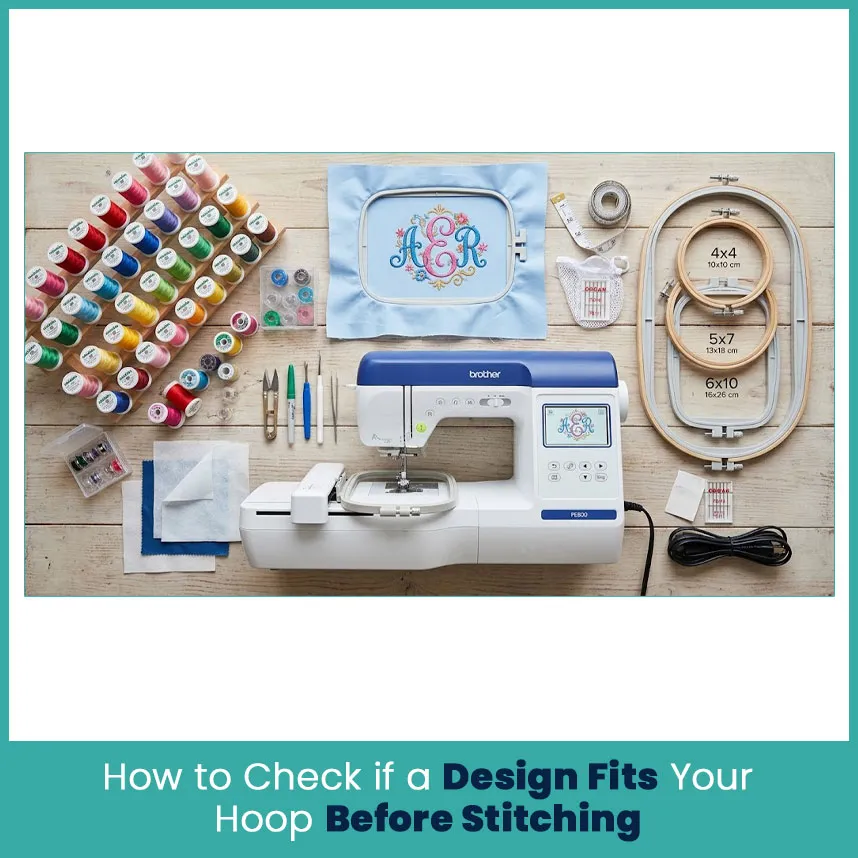
Take 2 minutes for this check before every project. It saves fabric, thread and patience.
Check the design width and height in your software or on the machine screen.
Compare those numbers to your machine’s maximum embroidery area, not the hoop label.
Load the hoop and use the trace function. Brother machines move the needle position around the design outline, so you can watch for the frame edge.
Leave about half an inch of margin on all sides.
Stitch a test on scrap fabric with the same stabilizer you plan to use.
By the way, trace only shows the outer edge. If the foot gets close to the frame, stop and fix it right there. Eventually this check turns into a habit, and you stop wasting fabric.
FAQs
What is the best hoop size for a beginner embroidery machine?
The 5 x 7 inch hoop. It fits names, towels and totes, and you can keep a 4 x 4 hoop for small logos.
Can I stitch a large design in a small hoop?
Only if you split it into sections and rehoop, or have a digitizer rebuild it smaller. Squeezing it in affects the quality.
Does hoop size change the stitch count or design quality?
Hoop size doesn’t change the stitch count, the design does. Quality drops when you resize too far or use a hoop that is too big for the design.
How do I know which hoop size my machine supports?
Check the maximum embroidery area in your manual or on the maker’s site, then match your model number to the hoop’s compatibility list.
Author Bio
Matthew Davis
Senior Embroidery Digitizer
I'm Matthew Davis, a skilled embroidery digitizer with more than 15 years of practical experience. I specialize in logo digitizing, 3D puff embroidery designs, applique digitizing, custom embroidery digitizing, and working with difficult fabrics. Over the years, I have worked with different fashion brands and production teams worldwide. I always share simple tips and useful techniques to help both beginners and businesses improve their embroidery work.
Subscribe to the newsletter
Get matthewdavis4116 new posts in your inbox.